Skip to content

Web Development

Best AI Development Workflow with Bolt – Part 2: Advanced Tools and Component Integration

Dive into Part 2 of our AI development workflow series, where we explore advanced tools like Cline and Cursor IDE that enhance our Bolt foundation. Learn how non-technical developers can leverage these powerful tools for component integration, automated testing, and efficient development workflows, all while maintaining version control through GitHub. Discover best practices for file management, cost considerations, and practical tips for building sophisticated applications without traditional coding experience.

Automating React to SvelteKit Migration with Aider’s Scripting Capabilities

Discover how to automate the migration of a React application to SvelteKit using Aider’s powerful scripting capabilities. Learn how we converted 20+ components automatically, saved 100+ lines of code, and completed the entire migration for just $0.50. This detailed guide covers dependency mapping, automated conversion processes, and practical solutions to common migration challenges.

Building a Voiceover Generator with ElevenLabs and Cline

In this post, I’ll walk you through building a web application that generates multiple voiceovers using the ElevenLabs API and Streamlit. Whether you prefer a video or written guide, you’ll learn how to create and deploy your own voiceover generator, using tools like GitHub Codespaces, Cline, and Streamlit.

From Frontend to Full Stack: Transforming an AI-Generated App with AI Development Tools

Transform your frontend app into a full-stack solution! In this post, we share how we transformed MoodFlip from a simple frontend to a powerful full-stack app, using AI development tools like GitHub Codespaces, Aider, and SvelteKit. Watch our video or read along as we solve real-world challenges and make MoodFlip scalable and secure.

Effortlessly Create, Edit, and Deploy with Bolt.new, StackBlitz, and Netlify

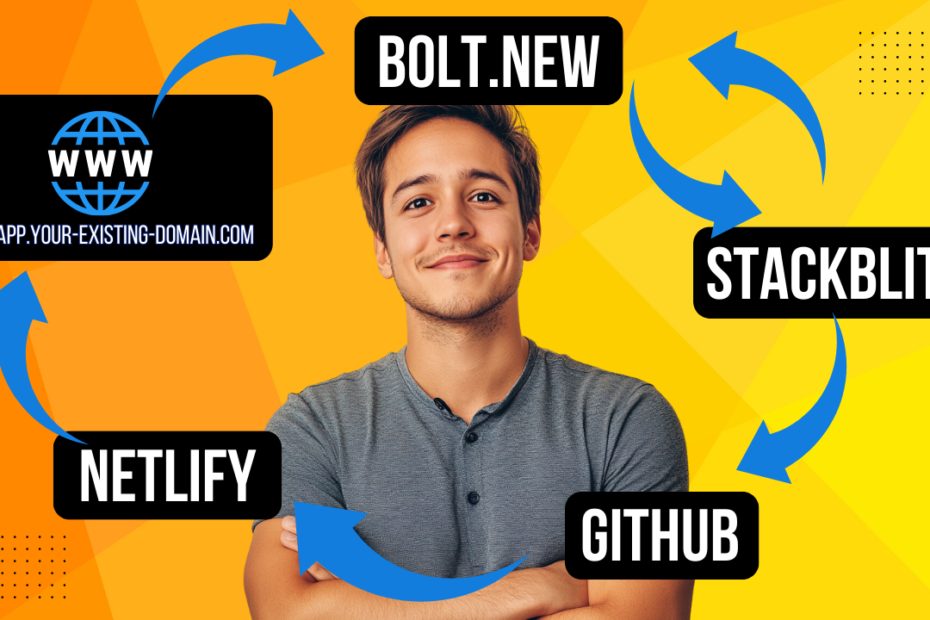
Discover how to streamline your web development process using Bolt.new, StackBlitz, GitHub, and Netlify. This guide takes you step-by-step through creating, editing, and deploying a web app, with powerful tools that work seamlessly together. Whether you prefer reading or watching, check out the full video tutorial for visual details on each part of the workflow.